
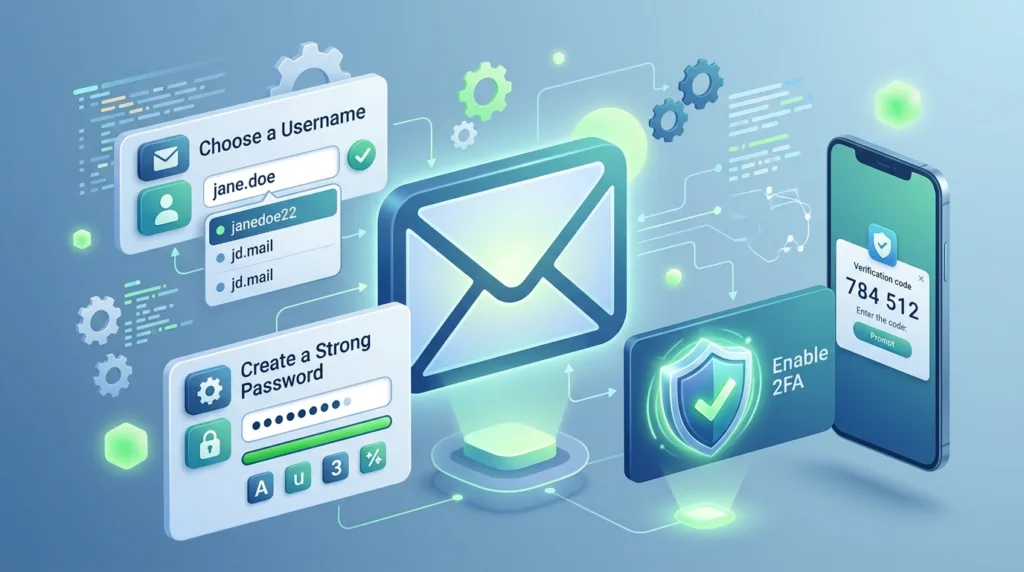
How to Create an Email Account and Set It Up Properly
An email address can stay with you much longer than the device you use to create it. Phones are replaced,

An email address can stay with you much longer than the device you use to create it. Phones are replaced,
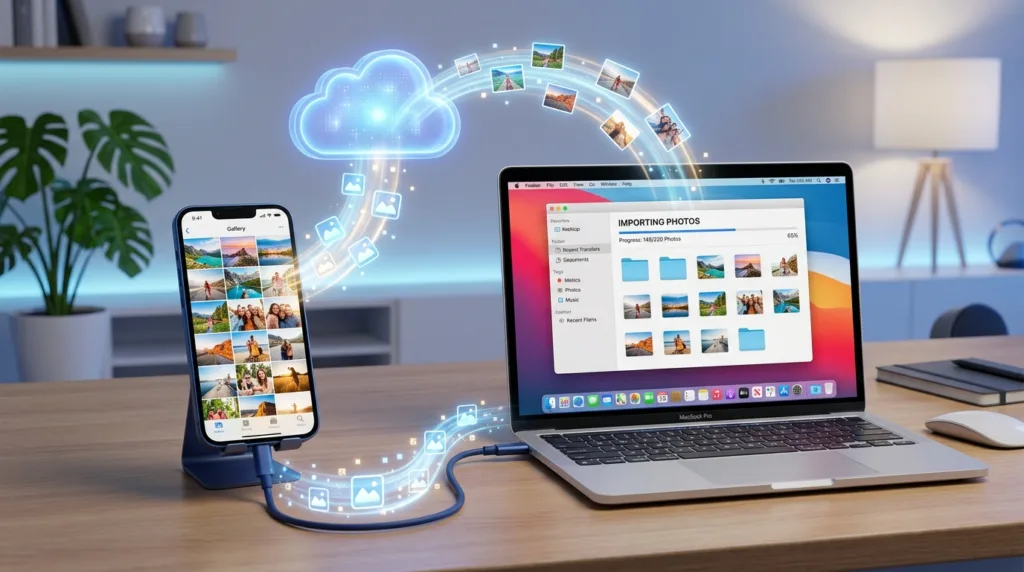
Photos tend to accumulate quietly. A phone that once held a few vacation pictures can eventually contain years of family
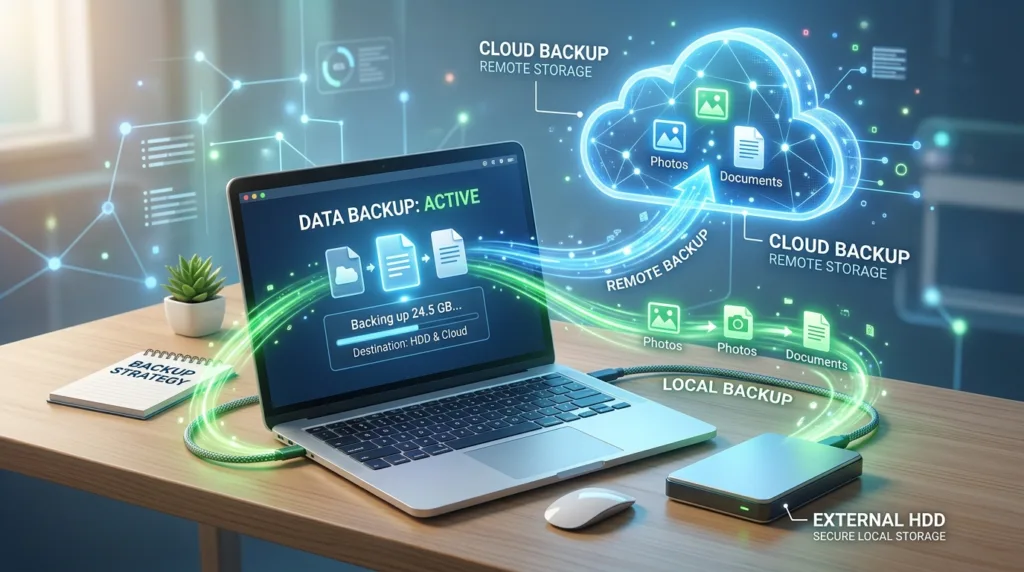
Most people do not think seriously about backups while everything is working. Photos open normally, documents remain in familiar folders,
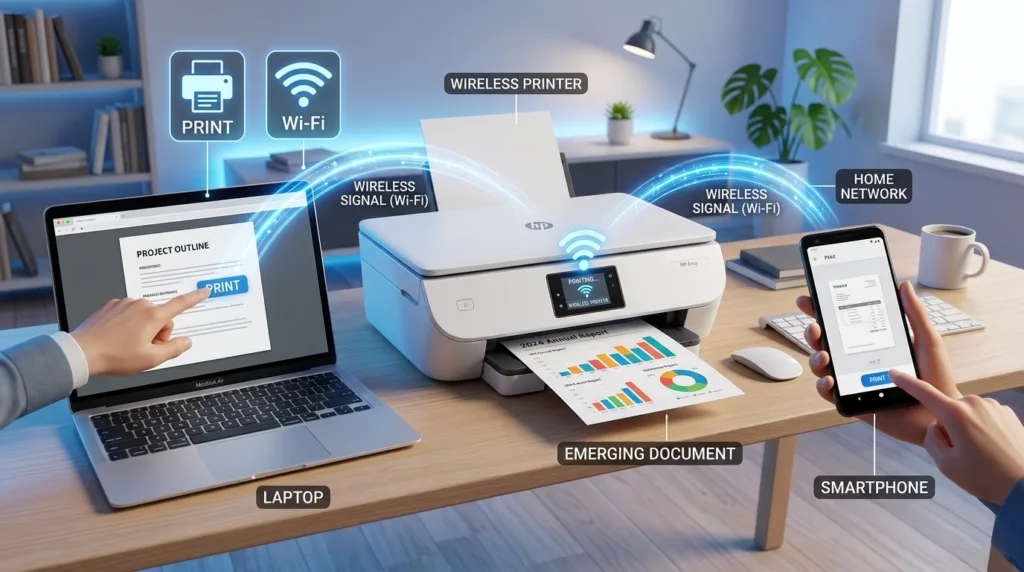
Printing feels simple when everything is already configured: open a document, choose Print, and wait for the paper to appear.
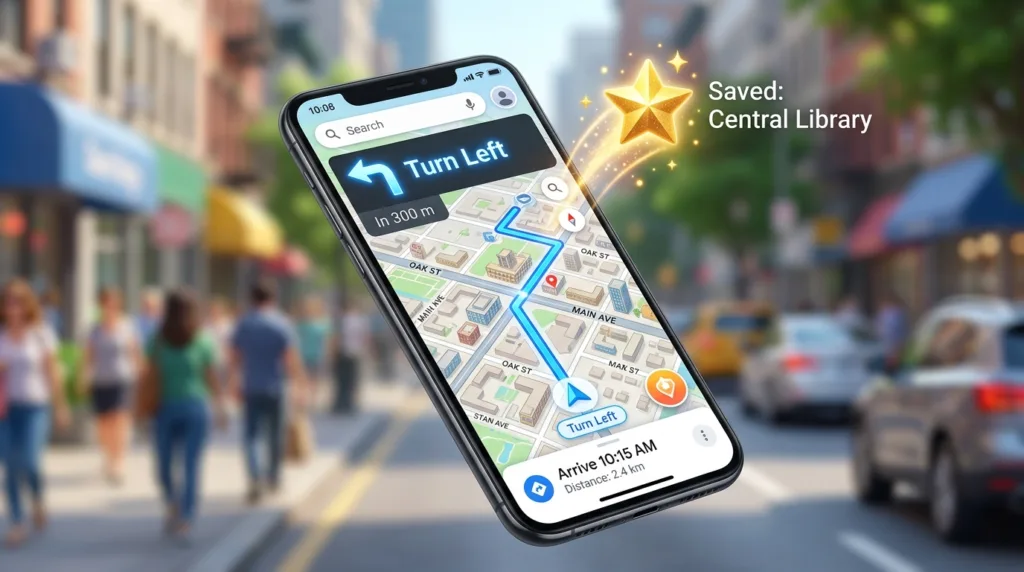
Google Maps can be useful long before you are actually moving. You might open it at home to compare two
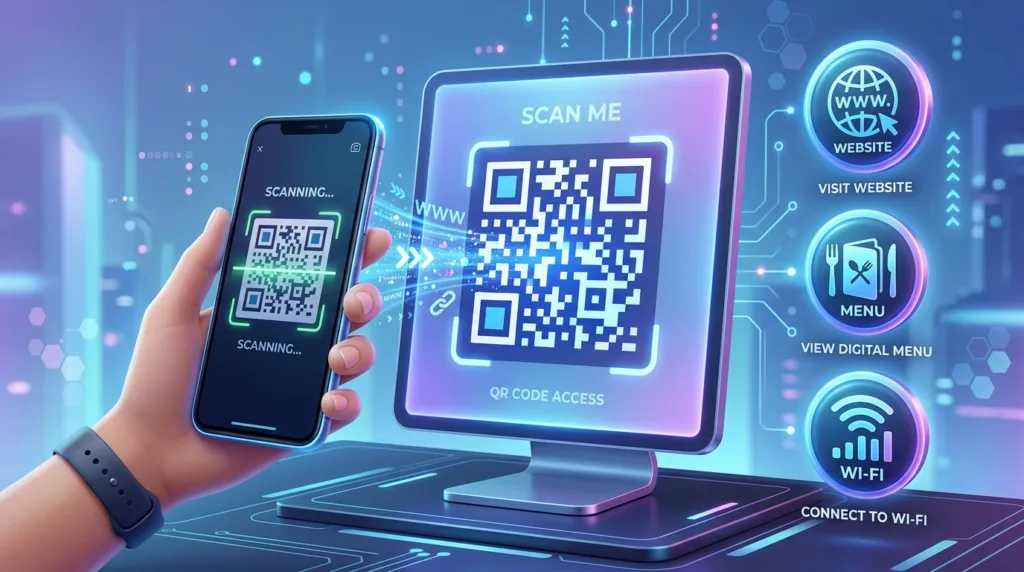
A QR code becomes useful whenever typing, copying, or remembering information would be unnecessarily awkward. A restaurant can place one
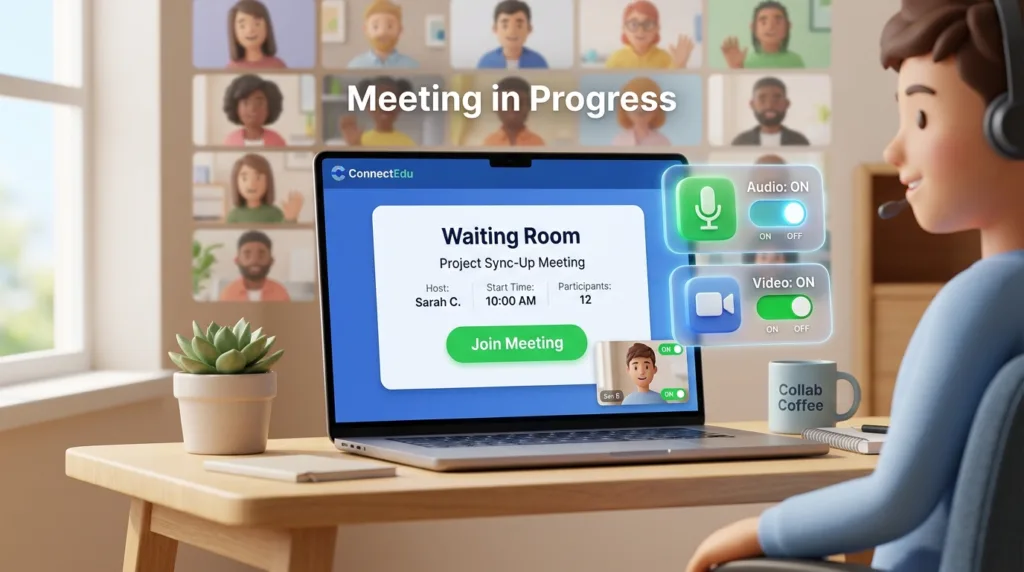
A video meeting invitation can make a fairly ordinary conversation look surprisingly technical. The email may contain a long link,
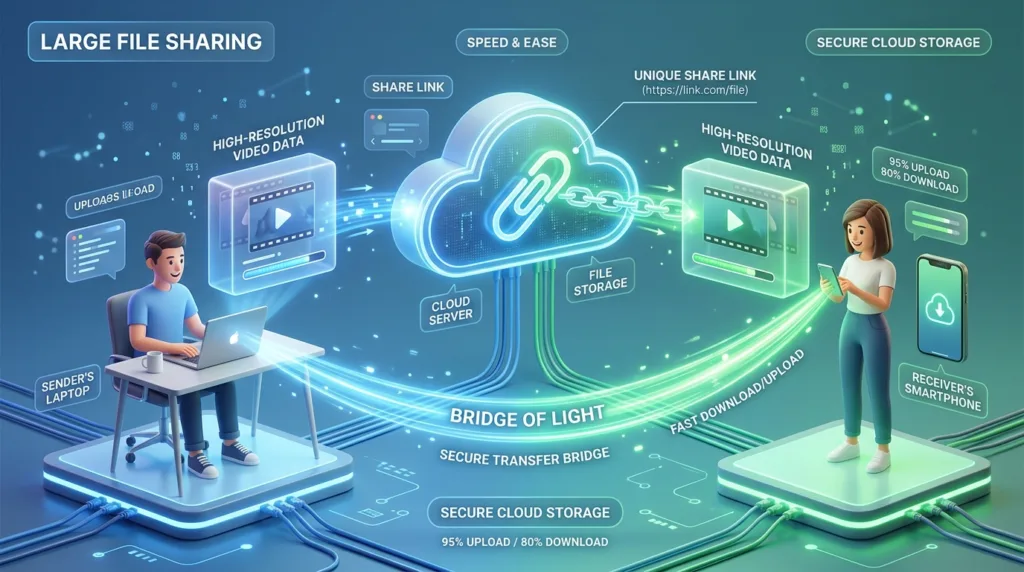
Email works remarkably well until the file you want to send becomes larger than the attachment limit. A short document
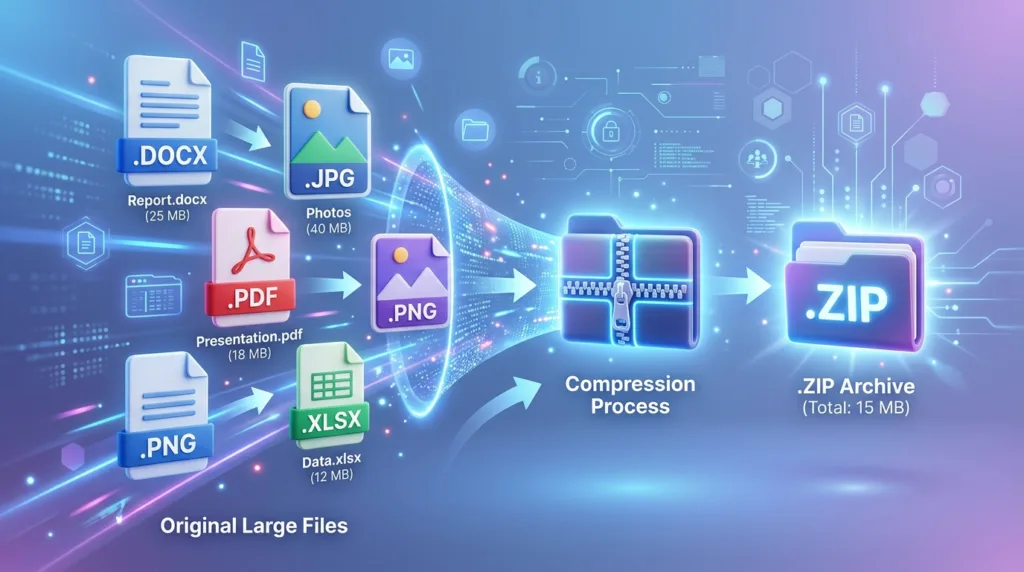
A file that is too large to attach to an email creates a deceptively simple problem: make it smaller. That
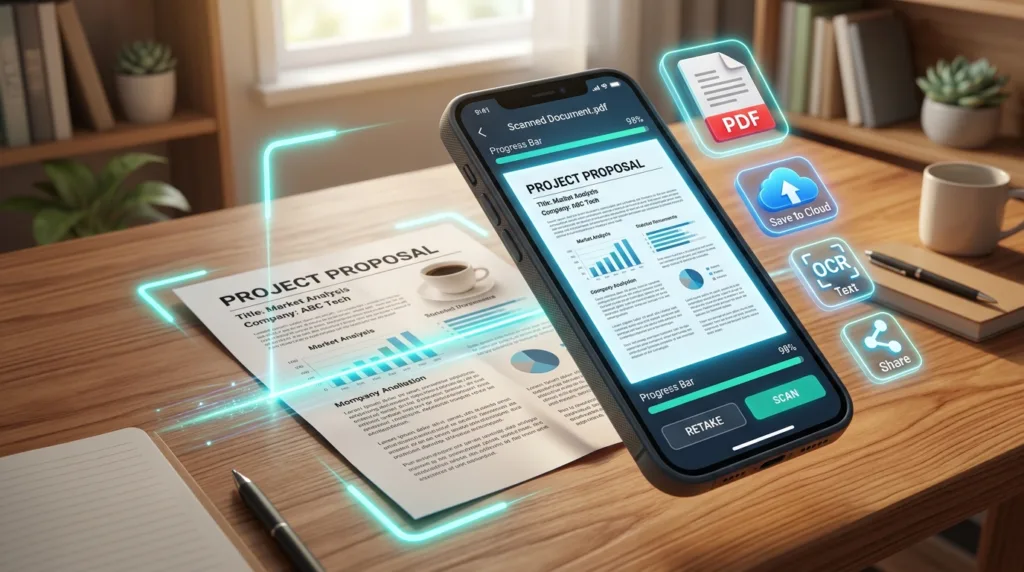
A paper document does not need a traditional scanner to become a clean digital file. For many everyday situations —
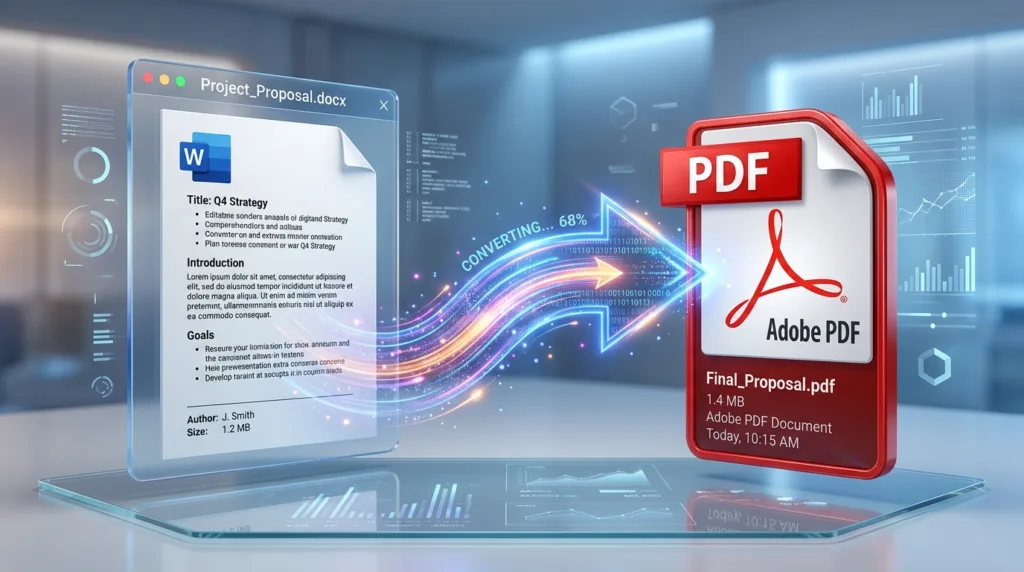
You finish a document, click Save, and then someone asks you to send it as a PDF. If you have
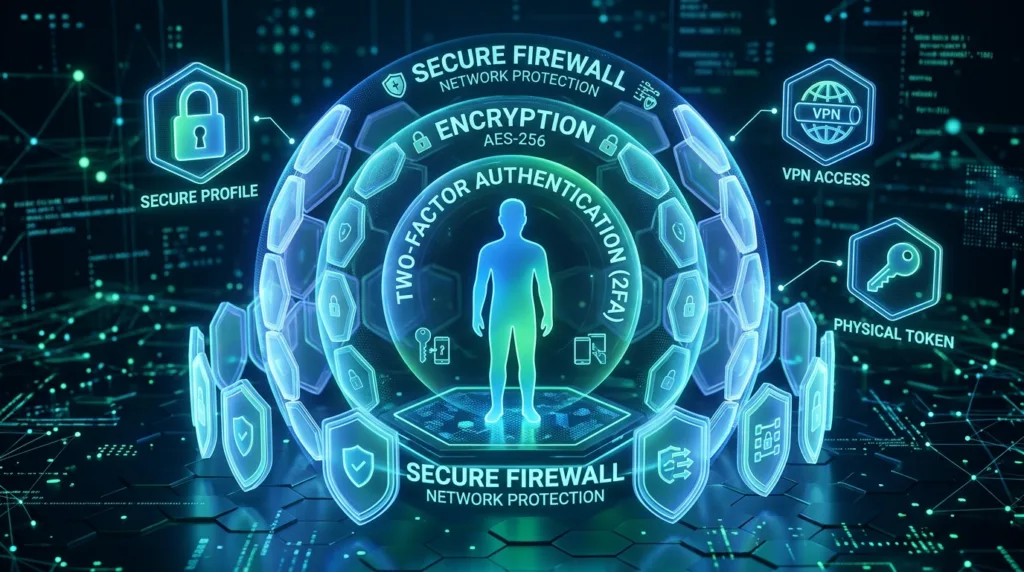
Your personal information rarely sits in one place. Your email address may belong to dozens of accounts, your phone number