
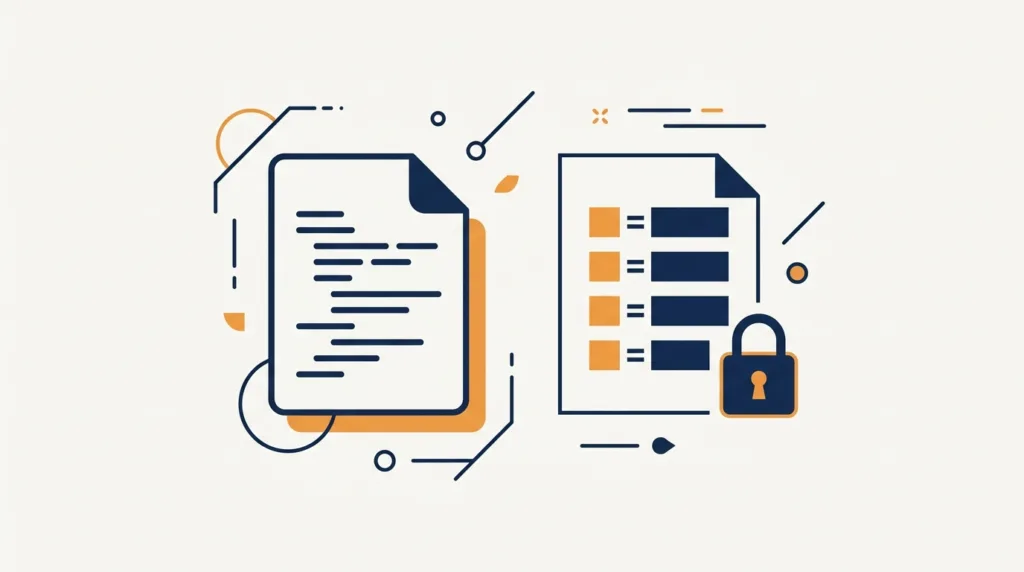
Understanding Environment Variables and .env Files Without Leaking Secrets
Learn what environment variables are, how to use a .env file properly, and how to read them in Python and Node.js.
Learn what environment variables are, how to use a .env file properly, and how to read them in Python and Node.js.

Learn what CI/CD means and how to set up a simple GitHub Actions workflow to automatically test and deploy your code.
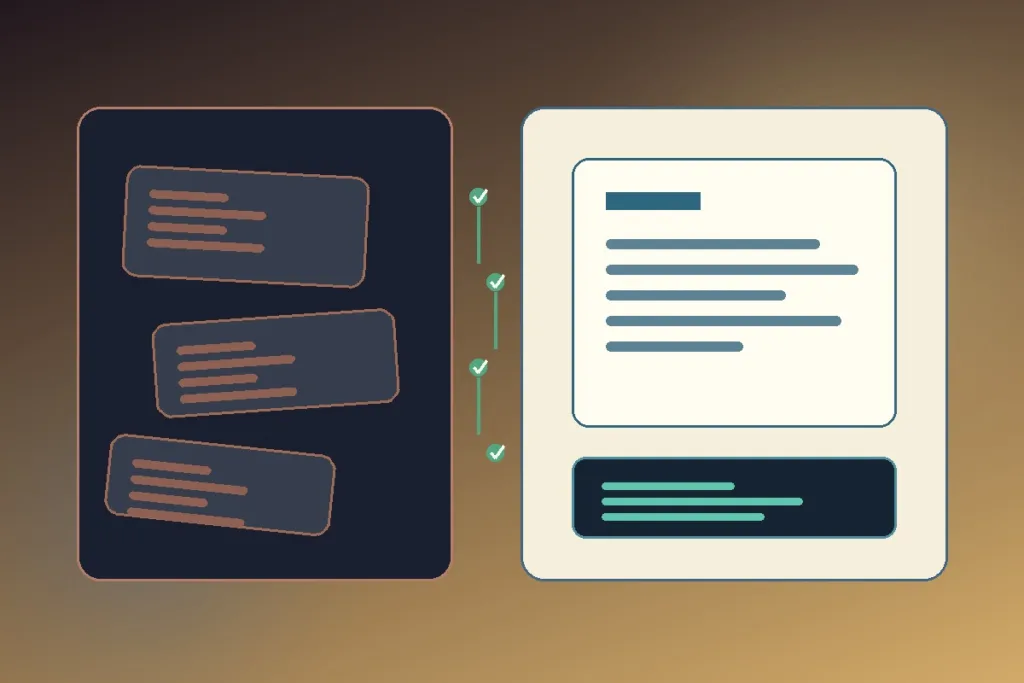
A good README is a tested onboarding path: it explains the project, gets a new reader running, shows what success looks like, and keeps secrets and stale instructions out.
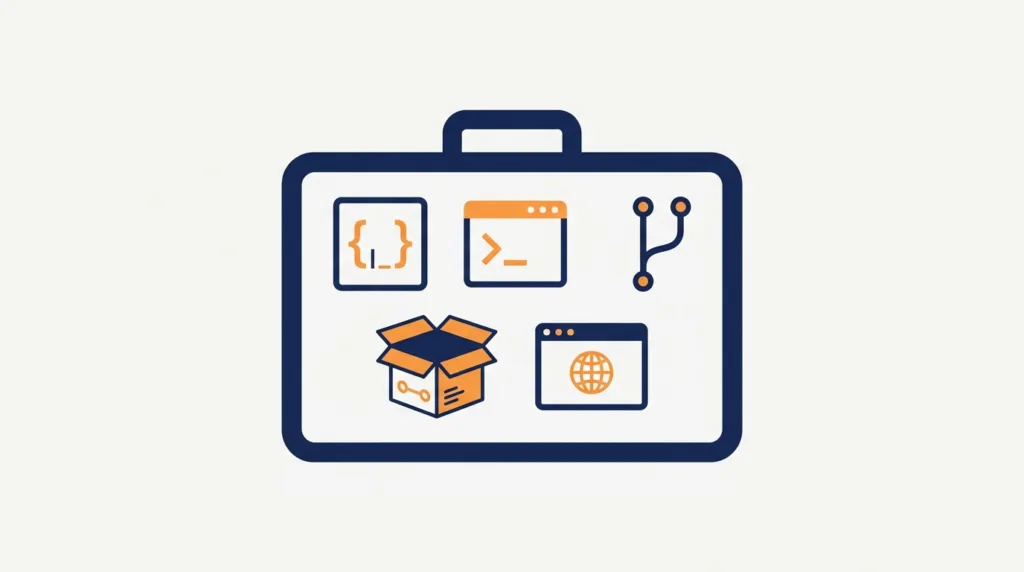
A complete summary of the essential beginner developer toolkit: editor, terminal, Git, package managers, and more.
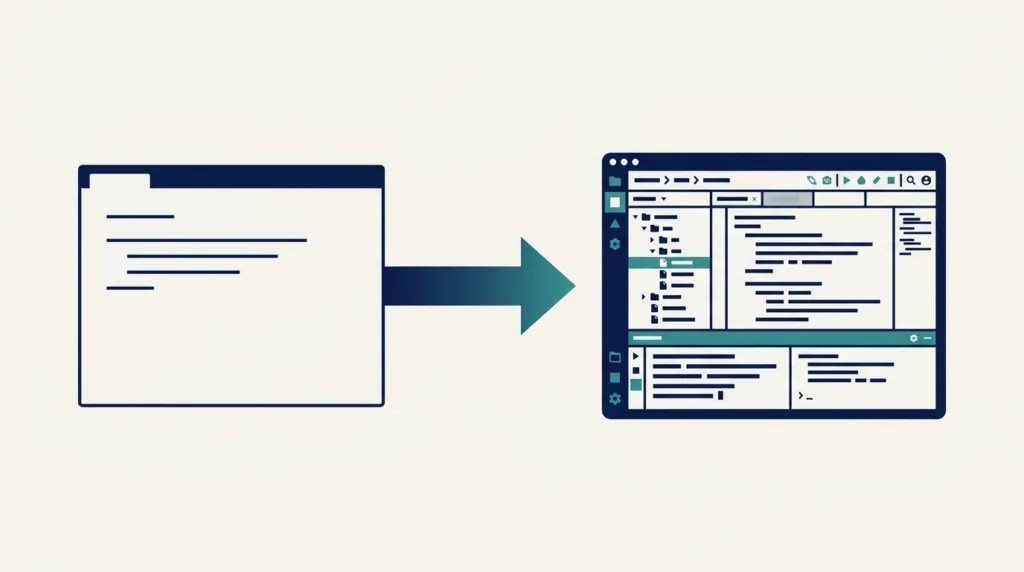
Learn the difference between text editors, code editors, and full IDEs — and where VS Code actually fits on that spectrum.
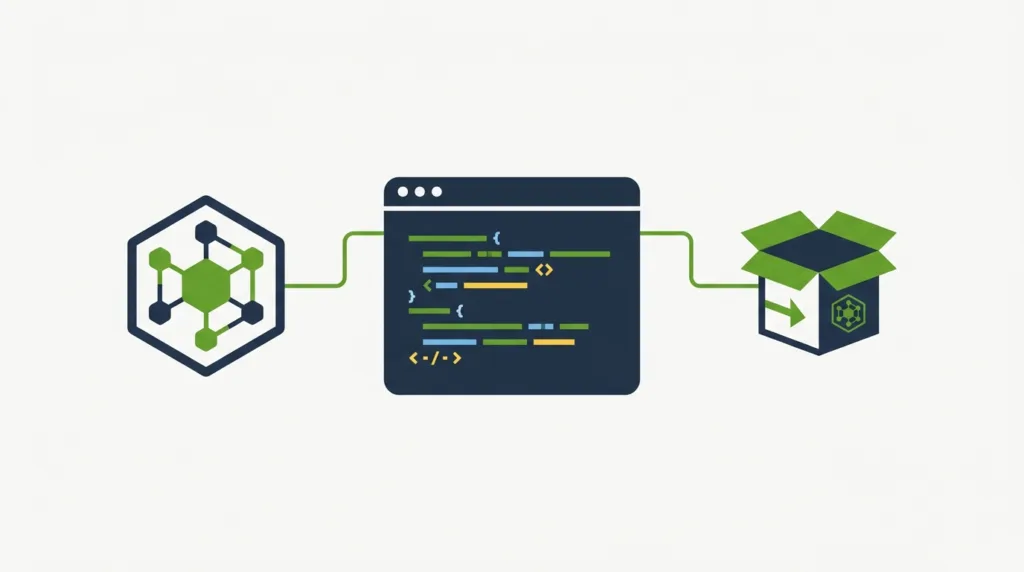
Separate the Node.js runtime, npm, package.json, lockfile, node_modules, scripts, and local executables so a fresh project setup becomes repeatable instead of mysterious.

Learn what package managers do, using npm and pip as examples, including package.json, requirements.txt, and semantic versioning.
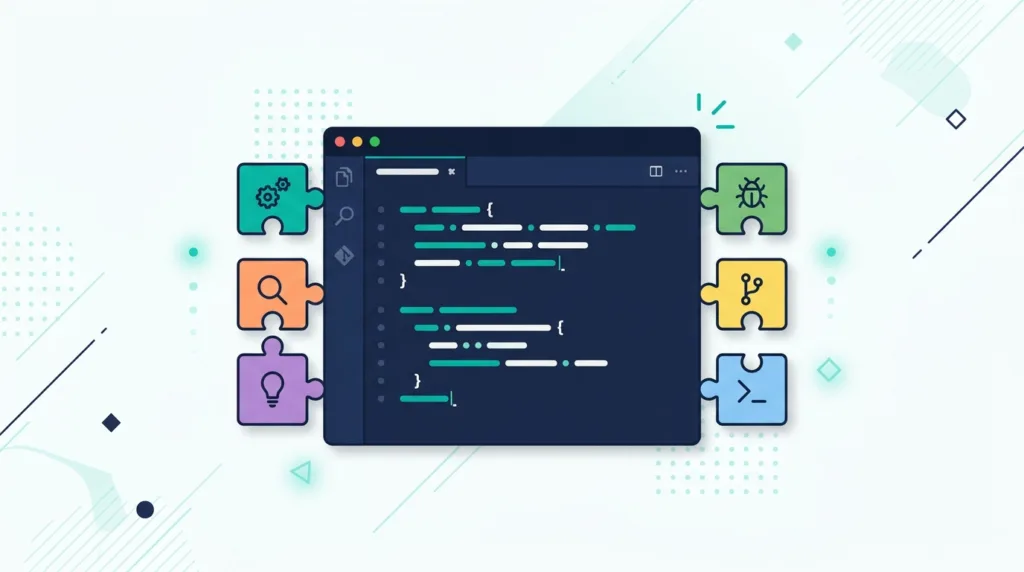
A curated, beginner-friendly list of VS Code extensions: Prettier, linters, Error Lens, GitLens, and Live Server.
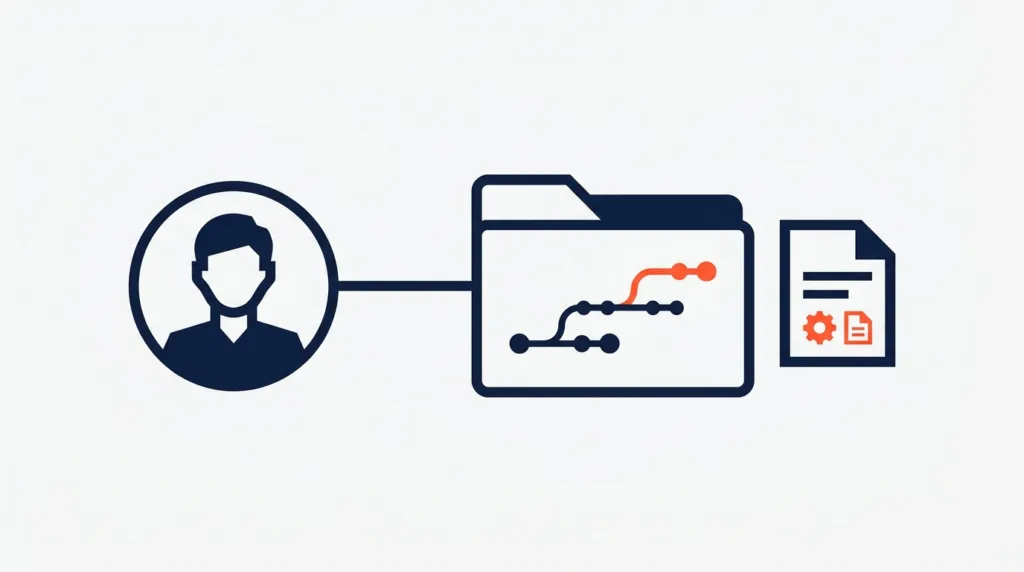
Learn how to create a GitHub account, set up your first repository, and connect it to a local Git project.
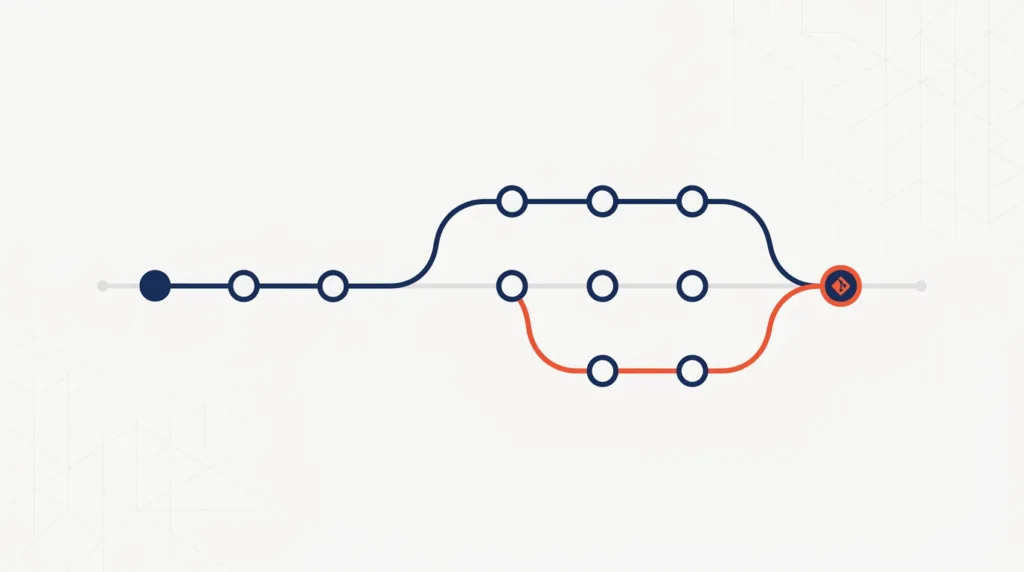
Learn what Git actually does, the difference between Git and GitHub, and the core commands that cover most everyday version control needs.
Learn what a terminal actually is, why developers rely on it, and the essential commands every beginner needs to get comfortable using it.
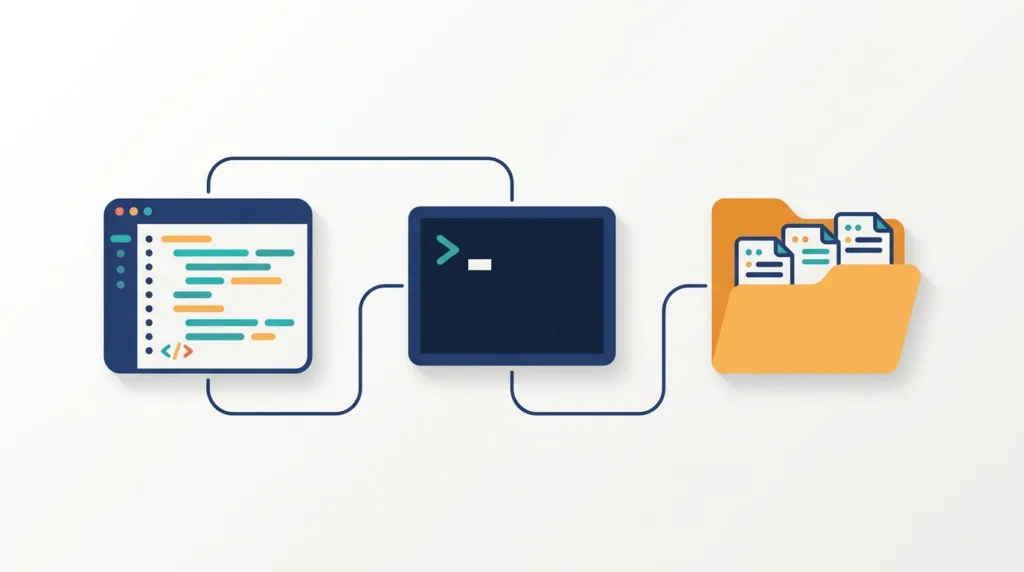
Learn how to connect your editor, language, and terminal into a real working coding environment, with a simple project folder structure.